Protect main Branch, with Manual QA
This is a how-to Guide, with everything you need, to "protect" your
main branch with Manual Checks.
The Guide is part of the release-me Phase 2 Git Ops Process.
Prerequisites
- a
github repository - account with permission to Repository Settings
Guide
-
Navigate to
 in your
 Repository Settingson github.com
-
Click
branchesunderCode and Automation
-
If no
Ruleexists that matches themainname pattern, create one -
If PR is NOT required before merging, enable the rule to allow code merges in
mainonly via PR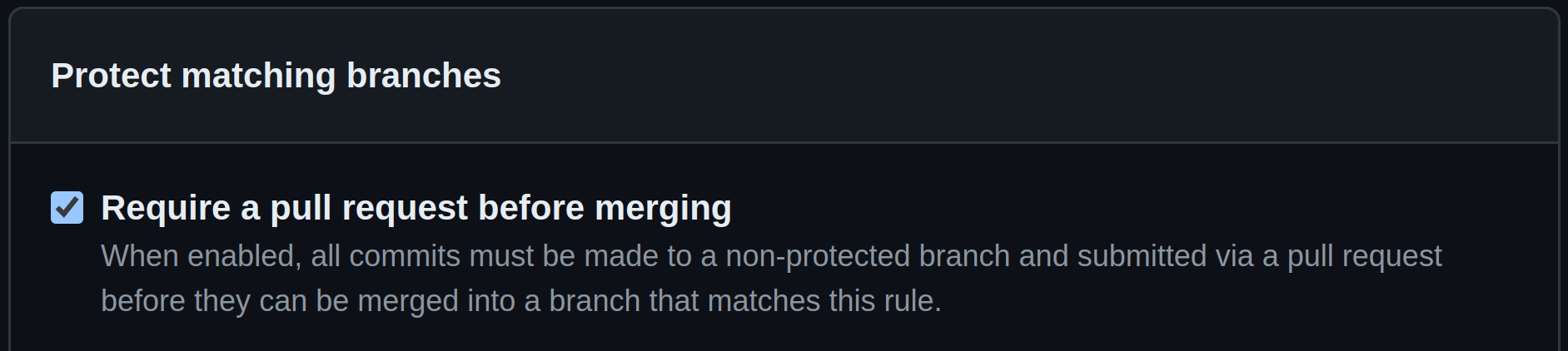
-
Require Manual Approval, using self
code review
Congratulations!
You should now have ensured no merge happens to main branch, without manual intervention!